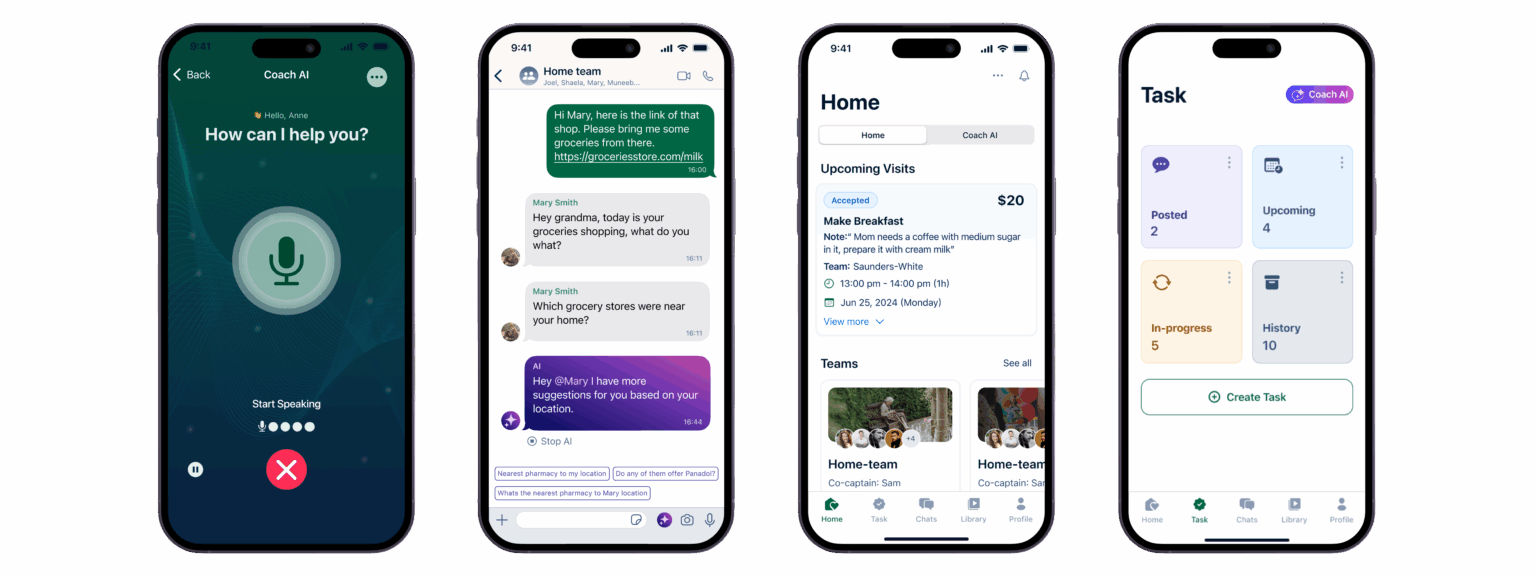
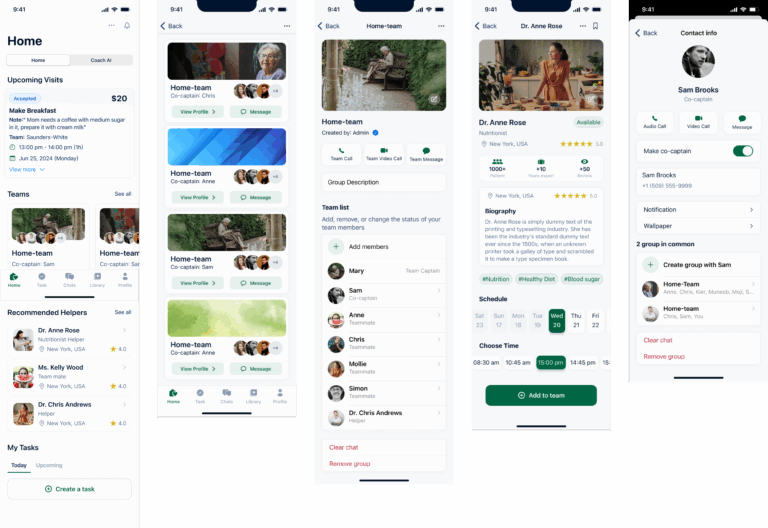
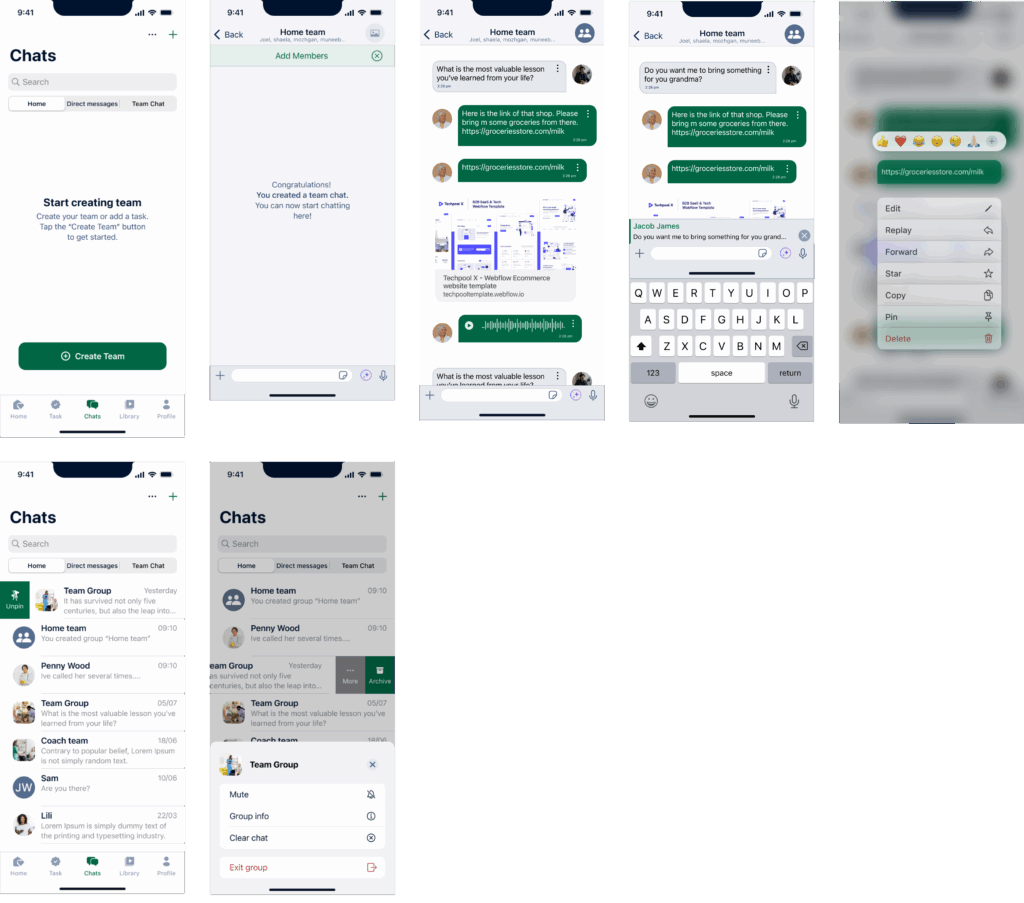
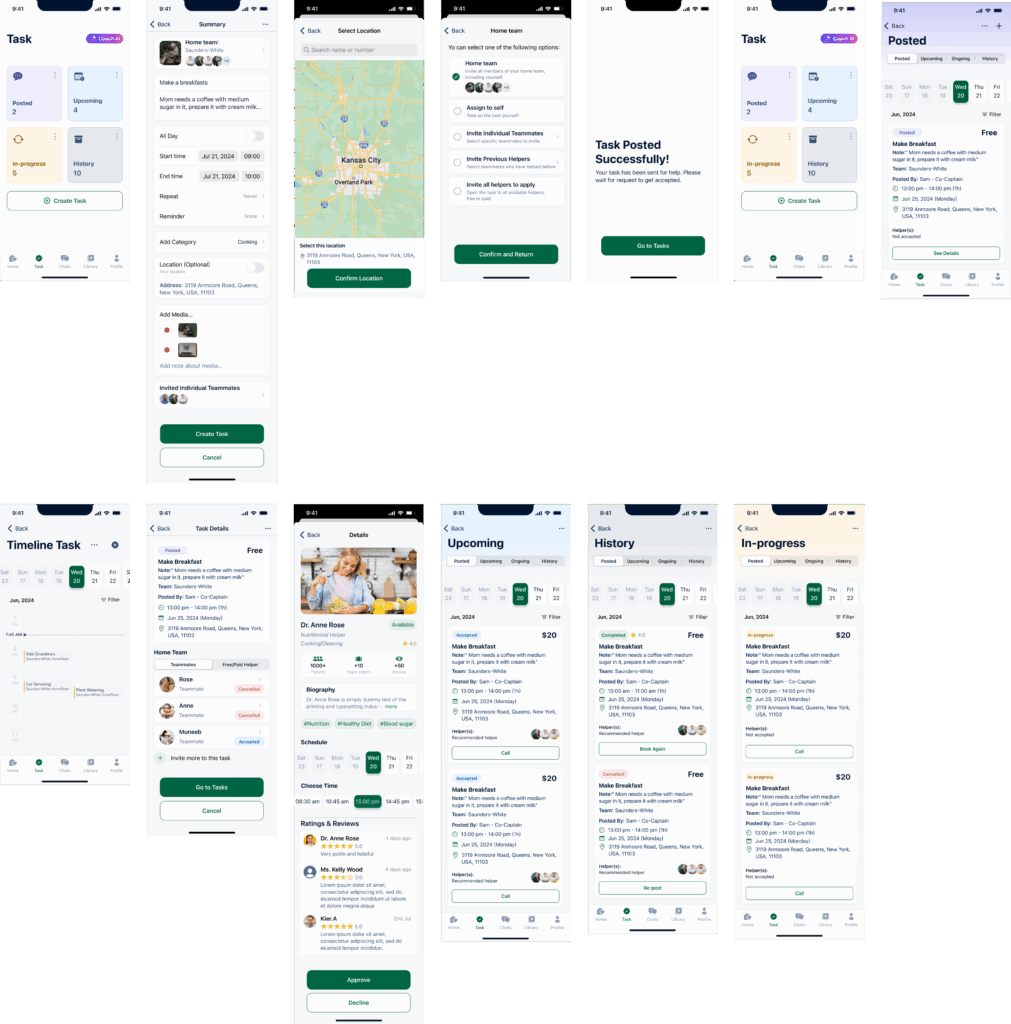
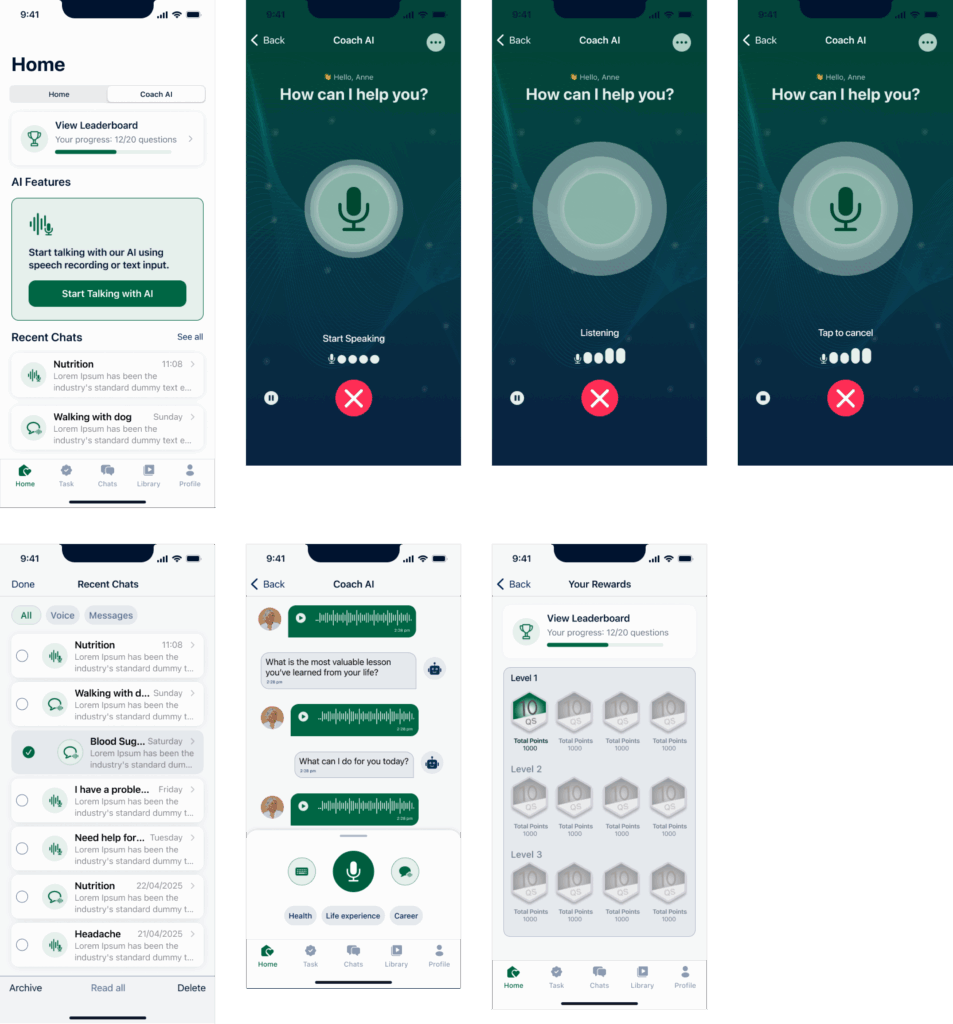
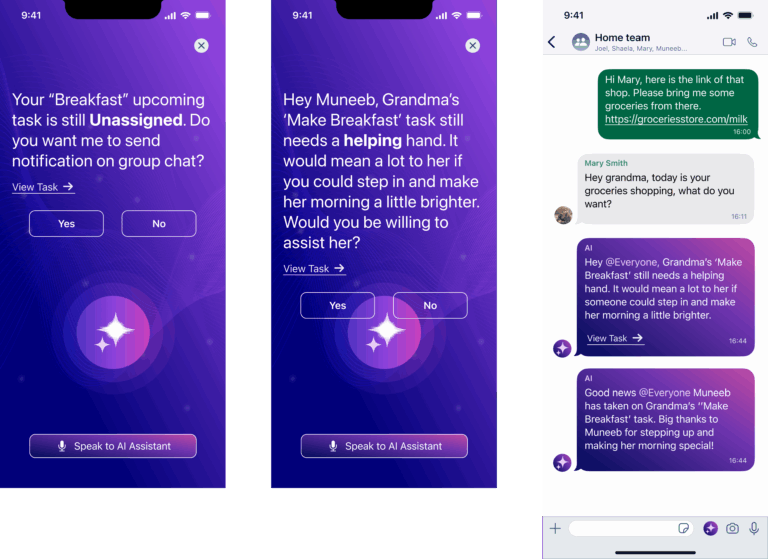
Task 1: Automate Scheduling and Task Management
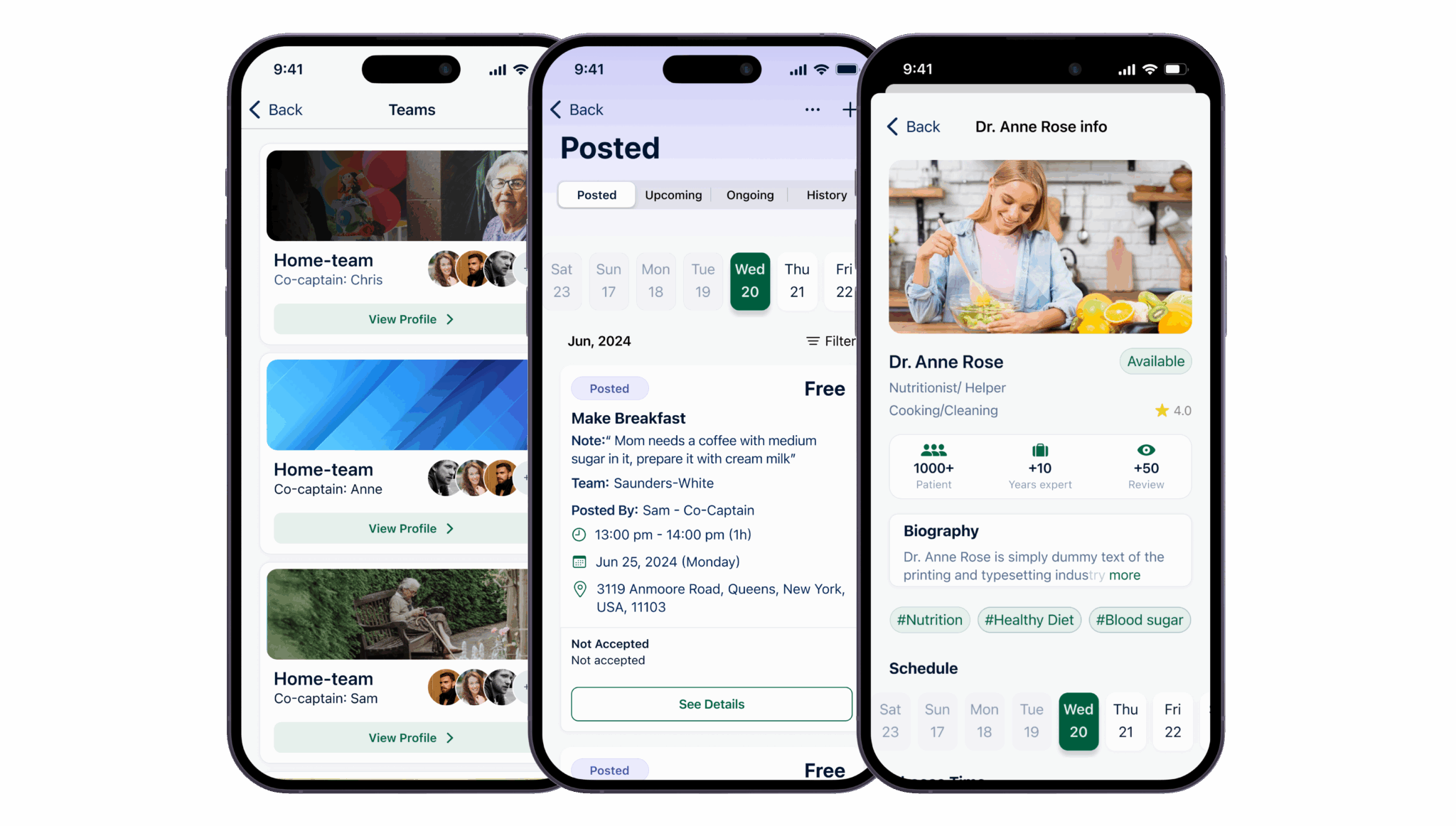
Scheduling a New Caregiving Task:
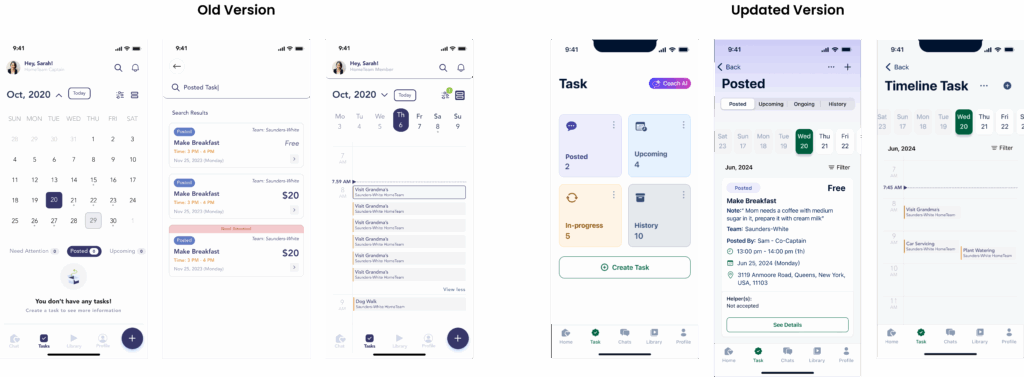
User 1: The scheduling process was straightforward, and the interface was easy to follow.
User 2: Scheduling a new task was clear, but the dropdown menus for date and time were confusing at first.
User 3: Found the process intuitive and a calendar view for selecting dates was clear.
User 4: The task scheduling worked well, though some initial guidance on setting up the task would have been helpful.
User 5: Easy to schedule tasks
Modifying an Existing Caregiving Task:
User 1: Editing tasks was easy, but the “edit” button could be more prominent.
User 2: Options for modifying tasks were clear, and changes saved correctly.
User 3: The modification process was simple.
User 4: Found it easy to locate and update tasks, with changes reflecting accurately.
User 5: Modifying tasks was straightforward, though clearer instructions for editing could enhance the experience.
Task 2: Interact with Legacy AI Module
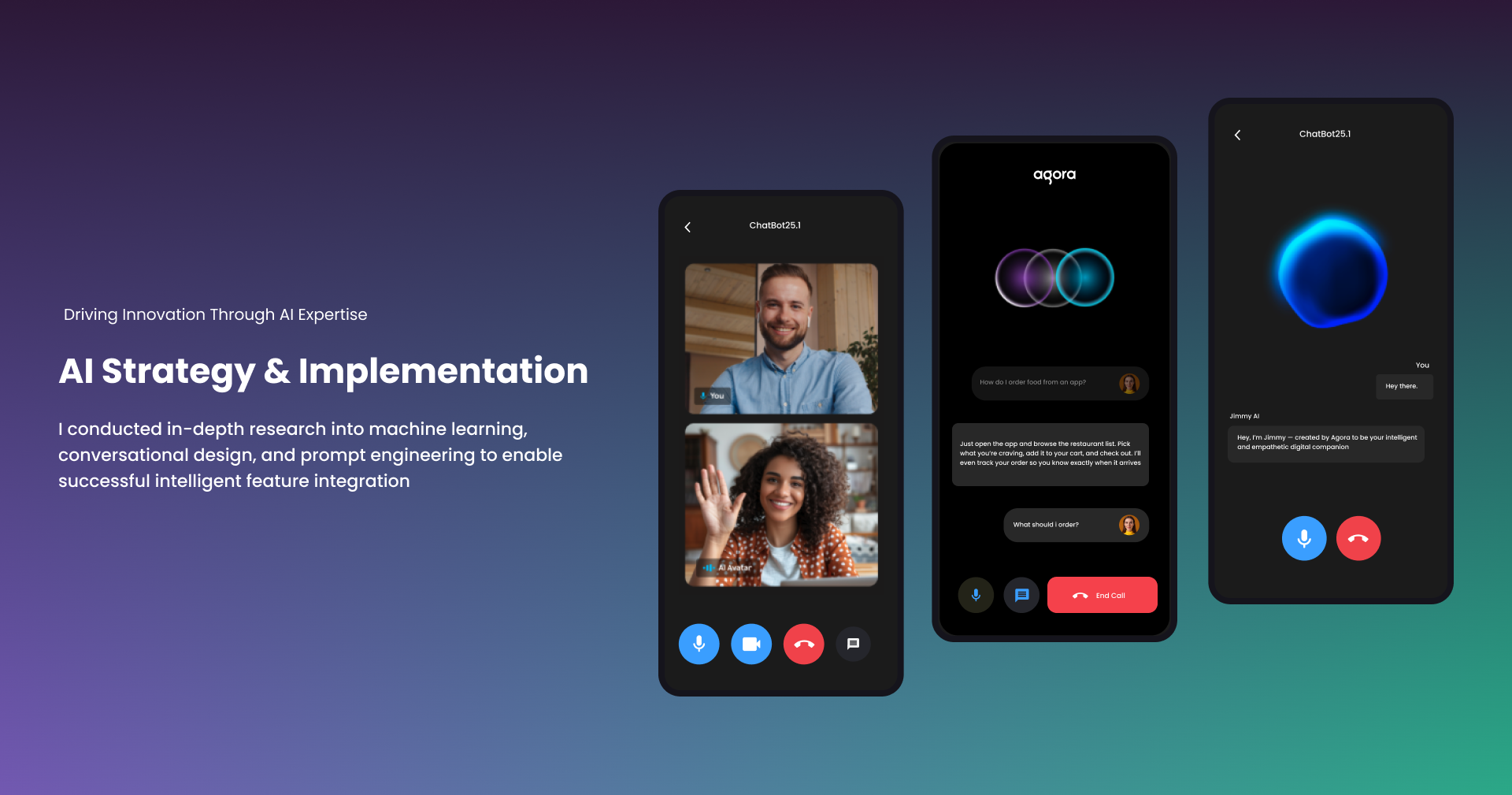
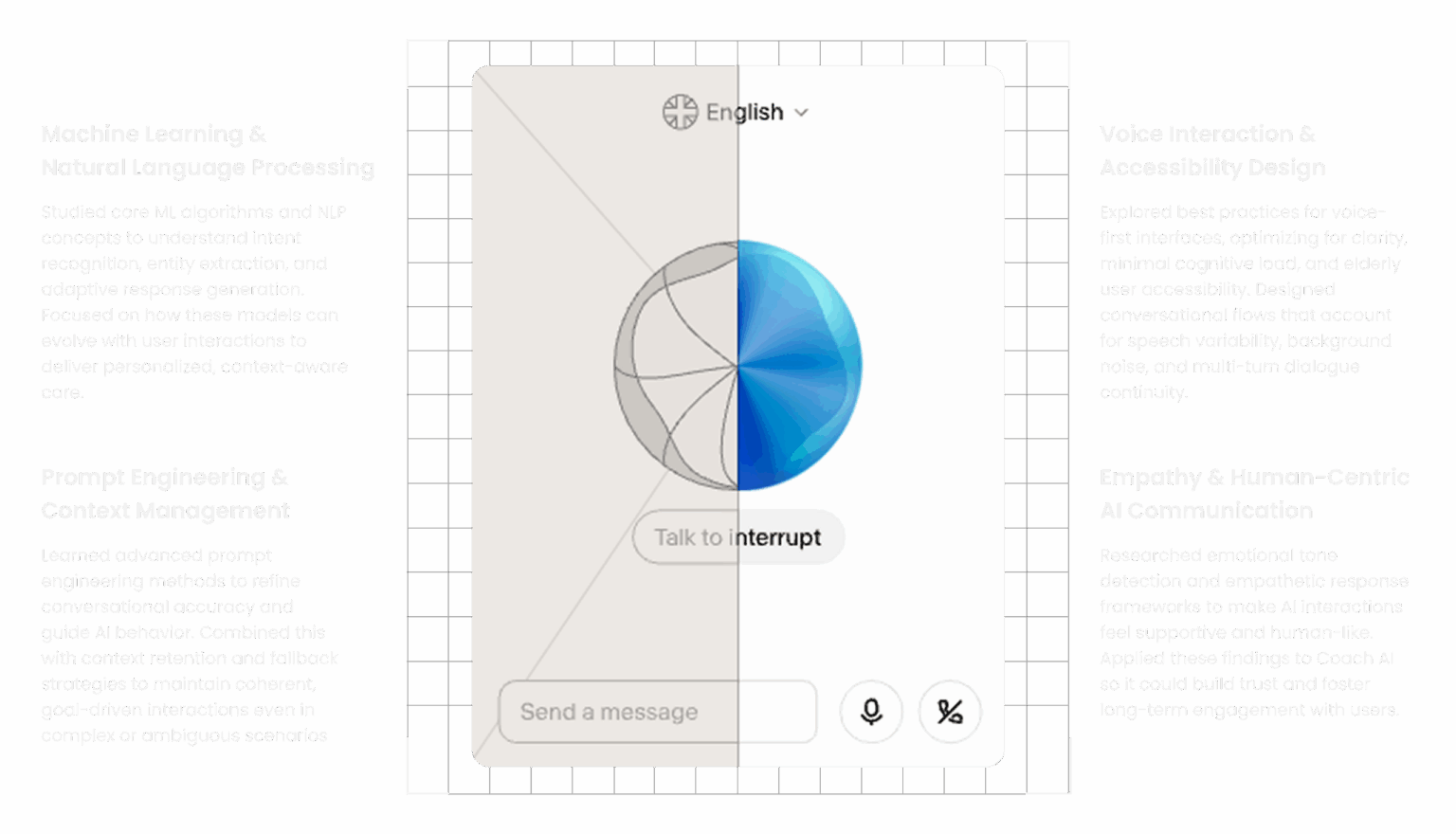
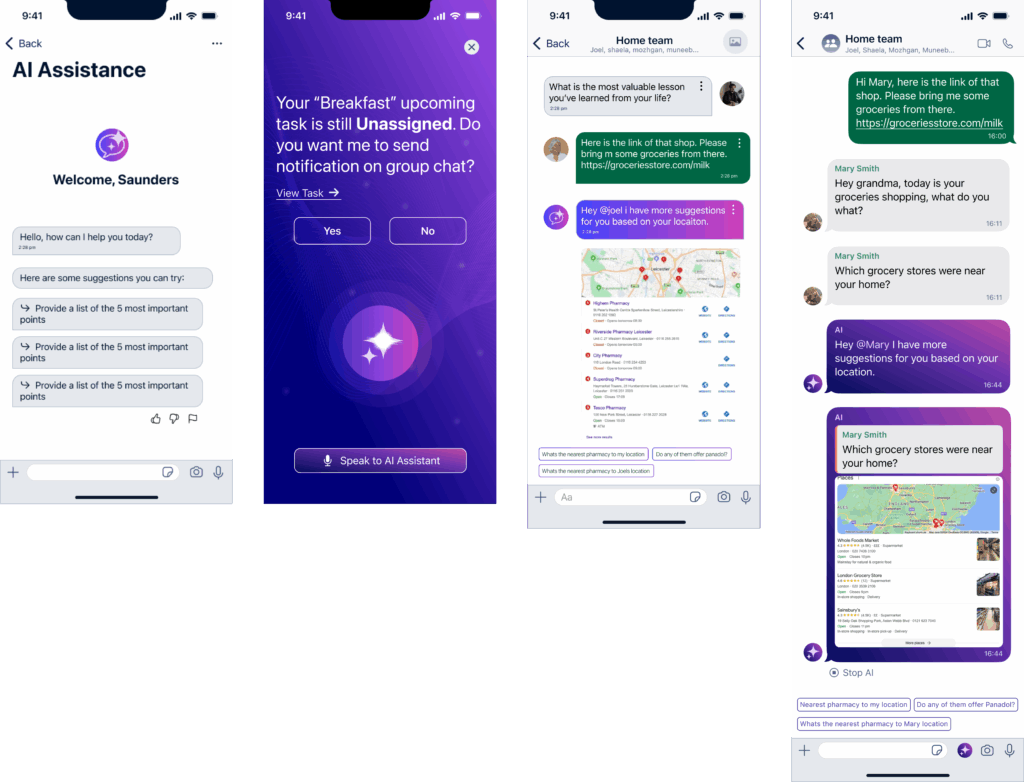
Recording Your Voice and Interacting with Legacy AI Module:
User 1: The voice recording process was intuitive, but the AI sometimes misunderstood specific terms.
User 2: Recording and interacting with the AI was generally easy, though the AI occasionally struggled with complex queries.
User 3: Found the voice interaction feature user-friendly, but the AI’s responses were not always accurate.
User 4: The AI understood most commands well, but there were occasional issues with recognizing names or jargon.
User 5: Interacting with the AI was mostly smooth.
Task 3: Facilitate Real-Time Communication
Sending a Secure Message to Team Members:
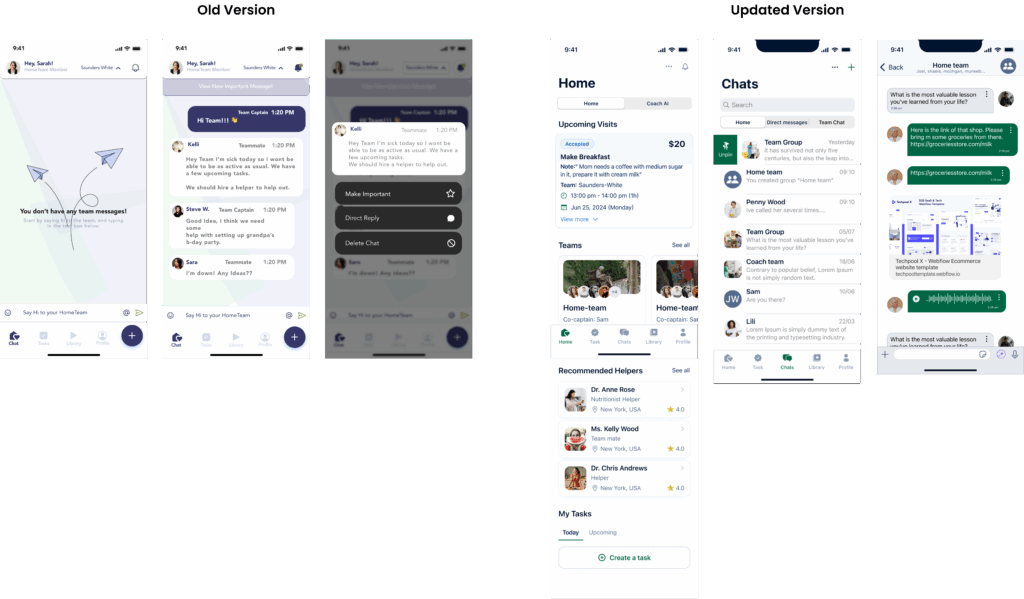
User 1: Composing and sending messages was easy, and the AI handled suggestions effectively.
User 2: The messaging feature was straightforward, with no issues in message delivery.
User 3: Found sending secure messages simple, and the AI managed suggestions well.
User 4: Sending messages was clear and efficient, with effective AI handling of task suggestions.
User 5: The process of sending secure messages was smooth, though occasional delays in delivery were noted.
Responding to a Message from a Care Receiver:
User 1: Locating and responding to messages was easy, and the interface was clear.
User 2: The message interface was effective, and there were no issues with sending replies.
User 3: Found it simple to respond to care givers messages, with no problems in message reception.
User 4: The messaging system was clear, making it easy to manage responses.
User 5: Responding to messages was straightforward, though occasional delays in receiving messages were observed.
Task 4: Tracking and Analytics
Tracking Ongoing Tasks:
User 1: Task tracking was effective, but accessing detailed information took some time.
User 2: The task tracking feature worked well.
User 3: Found tracking tasks useful, but better filters could enhance usability.
User 4: The tracking feature provided a clear overview of tasks.
User 5: Effective in showing task statuses.
Task 5: Access Resources and Training
Finding and Watching a Training Video:
User 1: Locating and watching training videos was straightforward with no playback issues.
User 2: Finding and accessing training videos was easy, and playback was smooth.
User 3: The process was clear, and there were no issues with video playback.
User 4: Accessing training videos was simple, though initial search results could be improved.
User 5: Finding and watching videos was easy, and playback worked well throughout.